
How to Take 4-Cut Photos at Home: Complete Guide
A step-by-step guide to shooting 4-cut photos at home without renting a booth. Gear, lighting, shooting tips, and printing options covered.
Why shoot at home?
Offline photo booths cost $3-5 per session, and booth rentals for events can run $400+.
At home you control the time, mood, and background — and it's completely free with my4cut.
It's perfect for hangouts, birthdays, family days, or home parties.
Families with young kids especially love the convenience of not having to travel.
From frame selection to shooting and sharing, the whole process takes under a minute.
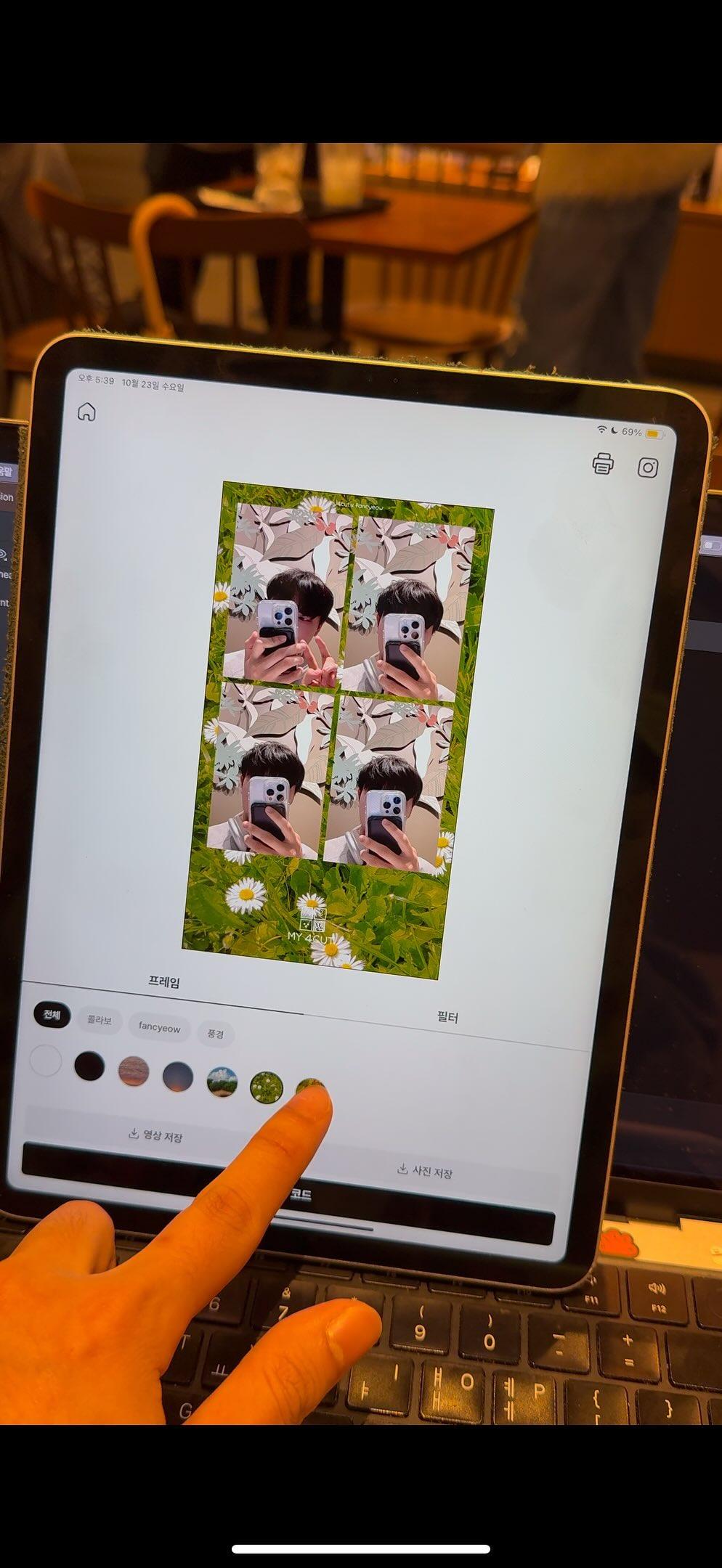
Gear checklist
Smartphone or iPad — any device with a front camera works.
Tripod or stand — cheap ones from Amazon ($5-15) work perfectly. A stack of books also does the job.
Lighting — window light is best. A ring light ($10-20) makes skin tones even better.
Background — a solid color wall is cleanest. Add balloons or a glitter curtain ($3) for party vibes.
- Front-facing light reduces harsh shadows on faces.
- Simpler backgrounds make the frame look cleaner.
- Stand height should be at eye to chest level for the most natural look.
Angles and framing
Set the camera at eye level for the most natural proportions.
Keep your upper body centered for a balanced frame.
For 2+ people, step back so everyone's upper body fits in the frame.
A distance of 3-5 feet (1-1.5m) from the camera gives the least distortion.
- With wide-angle lenses, step back a bit to reduce distortion.
- Angling slightly above eye level makes faces look slimmer.
Shooting flow
Install my4cut app and choose your favorite frame.
Set the timer (3 seconds) and strike a pose for 4 consecutive shots.
Your 4-cut strip is generated instantly — save or share it right away.
Do 1-2 test shots first to check lighting and composition for best results.
Vary your expressions and poses across the 4 frames for a fun, natural strip.
Sharing and printing
Share your result via QR code or save it directly to your photo album.
Send friends a link — they can view and download in one tap.
Create a shared event link for group sharing at parties.
For prints, connect a photo printer like Canon SELPHY CP1500, or use a drugstore print service.
4x6 inch (10x15cm) photo paper fits the 4-cut layout perfectly.
Frequently Asked Questions
How much does it cost to take 4-cut photos at home?
Can I shoot without an iPad, using just my phone?
How do I print the photos?
What if I don't have a ring light?
How many people can shoot together?
Related posts
View all
Related guides
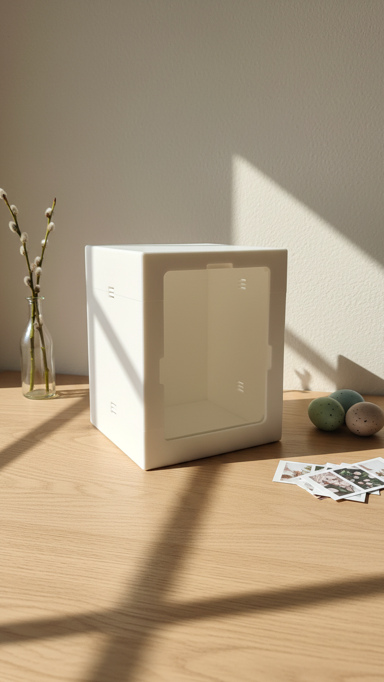
DIY booth assembly guide
How to assemble the iPad booth
Photo printer setup guide
Connect Canon SELPHY CP1500
Org & premium guide
Logo changes and default frame controls
Shoot on the web
Try the online photobooth
Compare booths
Rental vs app vs web in one view
FAQ
Quick answers to common questions
Event checklist
On-site prep list